SmartWings Motorized Shades Review: Real Setup Test
I tested SmartWings smart blinds for two months. Here is my honest experience with Matter over Thread, noise levels, custom sizing, and installation.

Written by
Zino
Smart blinds always felt like an overcomplicated luxury that required thousands of euros and professional contractors to mount. I spent ten years building a smart home with voice lighting, robot vacuums, and a motorized projector screen while still pulling my living room curtains by hand every afternoon. Testing SmartWings motorized roller shades for nearly two months proved that custom motorized window coverings can be installed in thirty minutes without ridiculous dealer markups.
SmartWings sent me these shades to review, but my verdict is based strictly on daily use. You get custom sizing down to the millimeter, silent motor movement, and local network control that keeps working even when your internet connection drops. They are not entirely flawless, but they solved the most frustrating blind spot in my house.
What SmartWings offers compared to Lutron and IKEA
Smart window treatments usually force you to choose between two extreme ends of the market. On the budget side, off-the-shelf options like IKEA smart blinds are cheap, but they come in fixed widths, offer limited fabric choices, and frequently require clunky adapters to mount to non-standard windows. On the luxury side, professional solutions like Lutron motorized shades deliver high quality, but a single window setup easily climbs past €1,000 once dealer fees and installation labor are added.
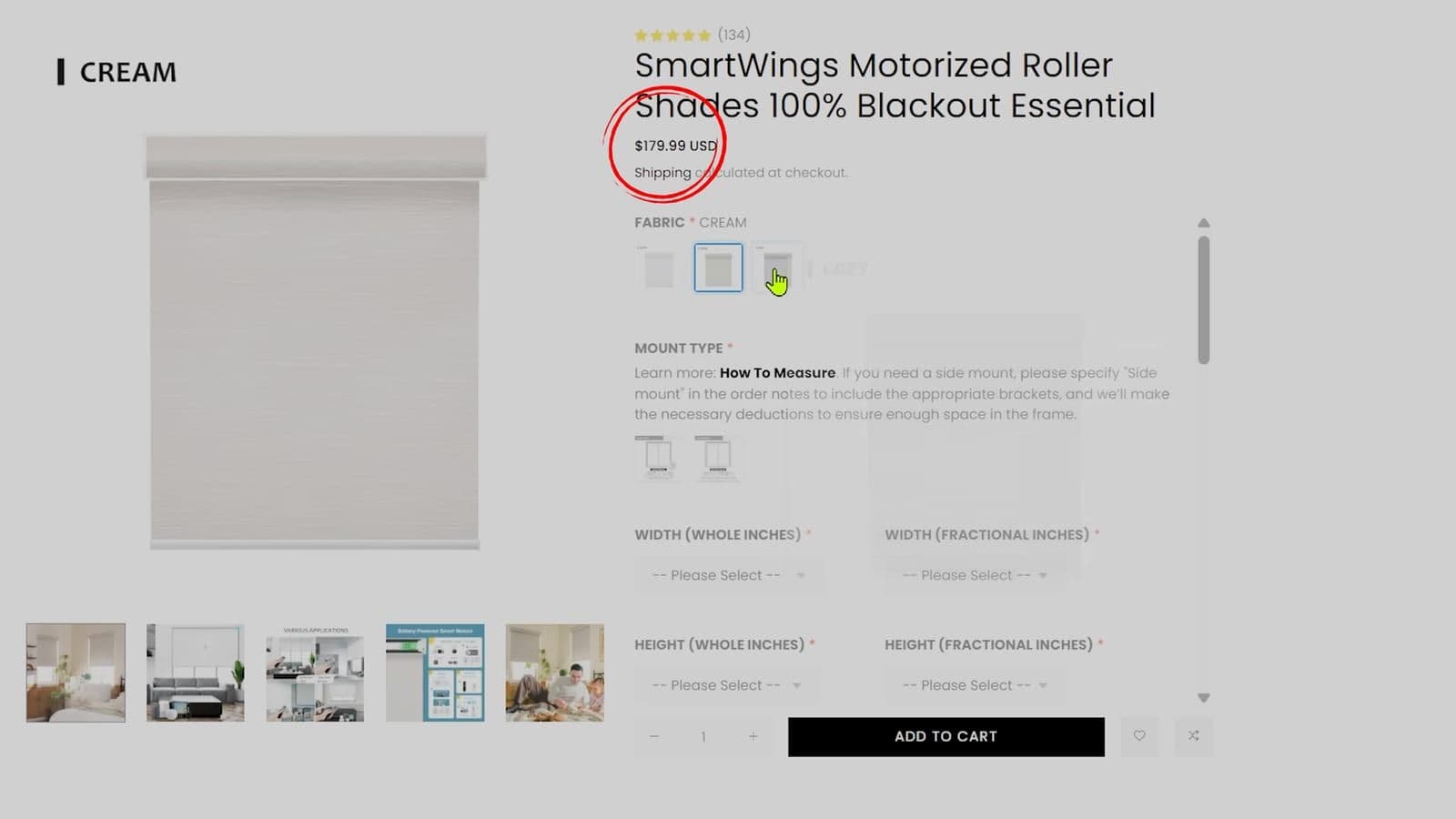
SmartWings sits directly in the middle. When I checked their pricing on 19 December 2025, custom roller shades started around €500 depending on width, fabric, and motor hardware. That is not impulse-buy money, but it gives you made-to-measure window treatments built to your exact specifications.
The materials feel surprisingly solid. The fabric does not look or feel like cheap plastic vinyl, and the aluminum headrail arrived securely packaged without bent corners or scratched paint. You are getting bespoke blinds delivered in custom packaging, which bridges the gap between disposable retail hardware and boutique interior design firms.
Motor options and why I chose Matter over Thread
One area where SmartWings separates itself from competitors is motor variety. Most smart blind companies lock you into a proprietary hub or a single wireless protocol. SmartWings allows you to select your preferred wireless chip directly on the product page during checkout.
Their catalog includes several distinct motor types:
- Matter over Thread with internal rechargeable battery
- Apple HomeKit over Thread
- Zigbee 3.0
- Z-Wave
- Standard RF motor with handheld remote
- Matter over PoE for hardwired Ethernet setups
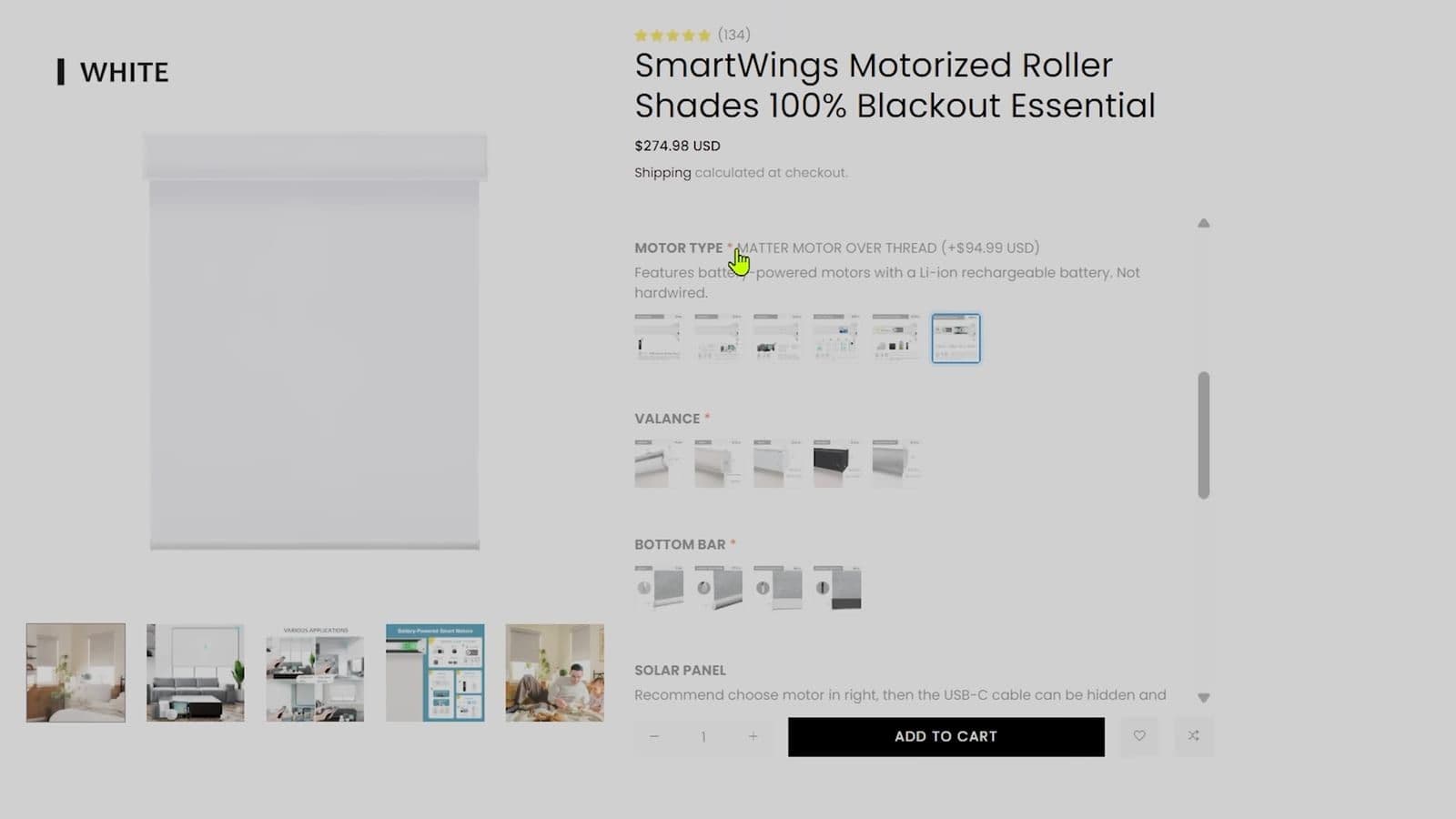
I went with the Matter over Thread motor. Thread creates a fast, low-power mesh network among compatible devices in your house, bypassing congested 2.4 GHz Wi-Fi channels. More importantly, Matter provides local communication. When I tell my smart speaker to adjust the blinds, the command does not travel to a server in China or North America before coming back to my living room. It runs locally in split seconds, and the blinds still respond through local automations even if my home fiber connection goes offline.
Pairing took less than ten seconds inside the Google Home app. You do not need a dedicated SmartWings hub, and you do not need to register an account on an obscure manufacturer application. If you run Apple Home, Amazon Alexa, Samsung SmartThings, or Home Assistant, any Thread border router handles the connection directly.
Measuring your windows and ordering fabrics
Ordering custom blinds online requires precision because once fabric is cut to your dimensions, you cannot return it simply because you misread a tape measure. You need to decide upfront between an inside mount, where the brackets fit inside the window recess, or an outside mount, where the blind attaches to the wall or ceiling above the window trim.
SmartWings provides detailed measuring guides on the SmartWings official store, as well as on their Amazon page. I skipped ordering physical fabric swatches and simply picked from the online pictures, but if you are matching specific wall paints or furniture tones, spend the two dollars for their swatch booklet first.
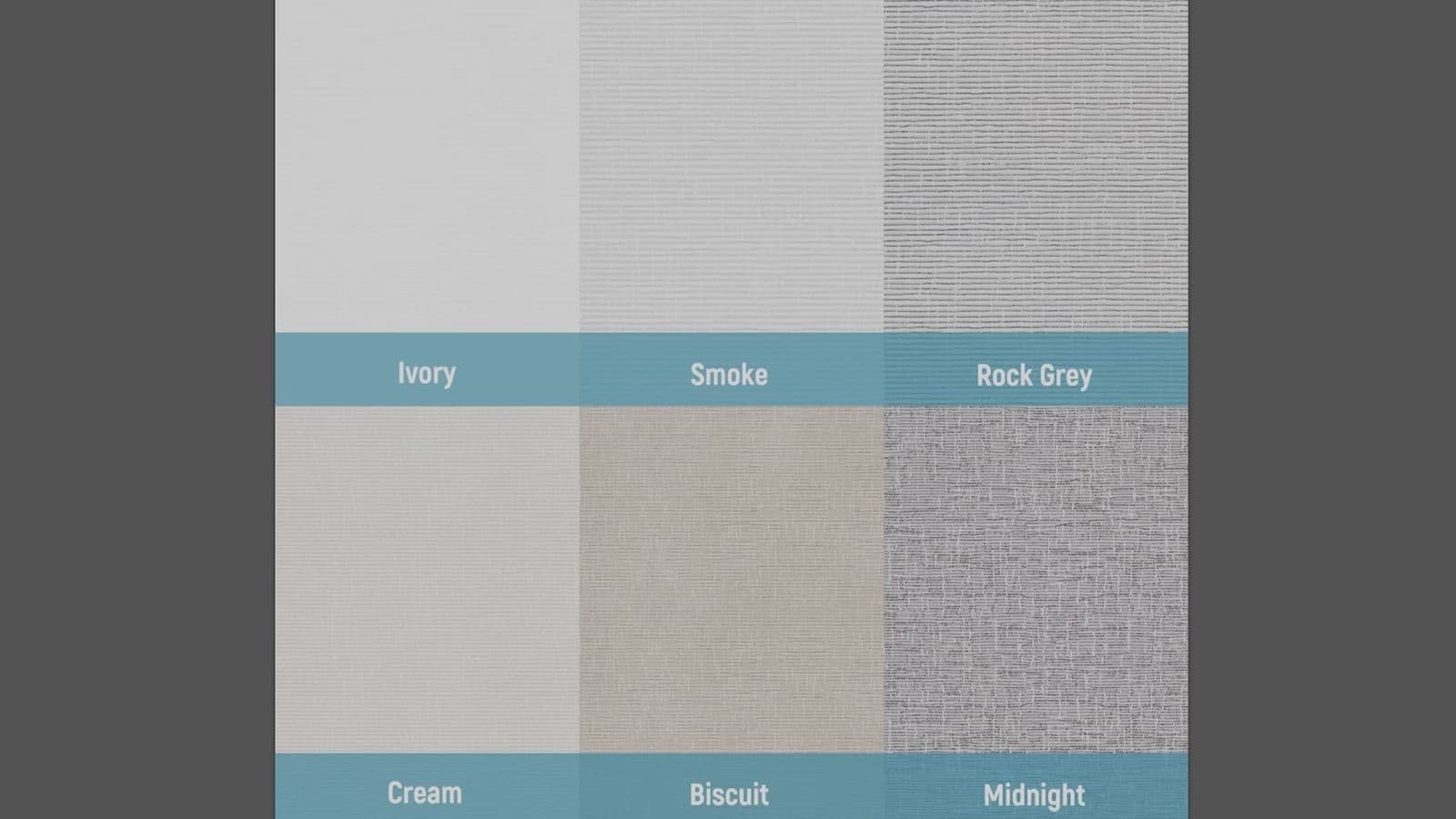
I selected a dual shade setup for my main room. This configuration stacks two motorized rollers inside one housing. Facing the glass, I installed a light-filtering sunscreen shade that blocks glare while still letting natural daylight brighten the room. Facing the living room, I installed a 100 percent blackout shade. Having both fabrics on one window gives you daylight privacy during afternoon work hours and total darkness whenever you want to fire up a projector.
The installation process and a critical setup mistake to avoid
I am not particularly handy around the house. When the packages arrived, I asked a friend over to help mount the primary living room unit because the double shade housing is long and relatively heavy. In the end, we did not need specialist skills. Physical mounting took roughly thirty minutes using standard hand tools.
All brackets, drywall plugs, and screws came in the box. You screw the metal brackets into the ceiling or window frame, clip the headrail into the spring catches, and the shade is mechanically locked into place. Mounting the second blind took me under fifteen minutes completely by myself.
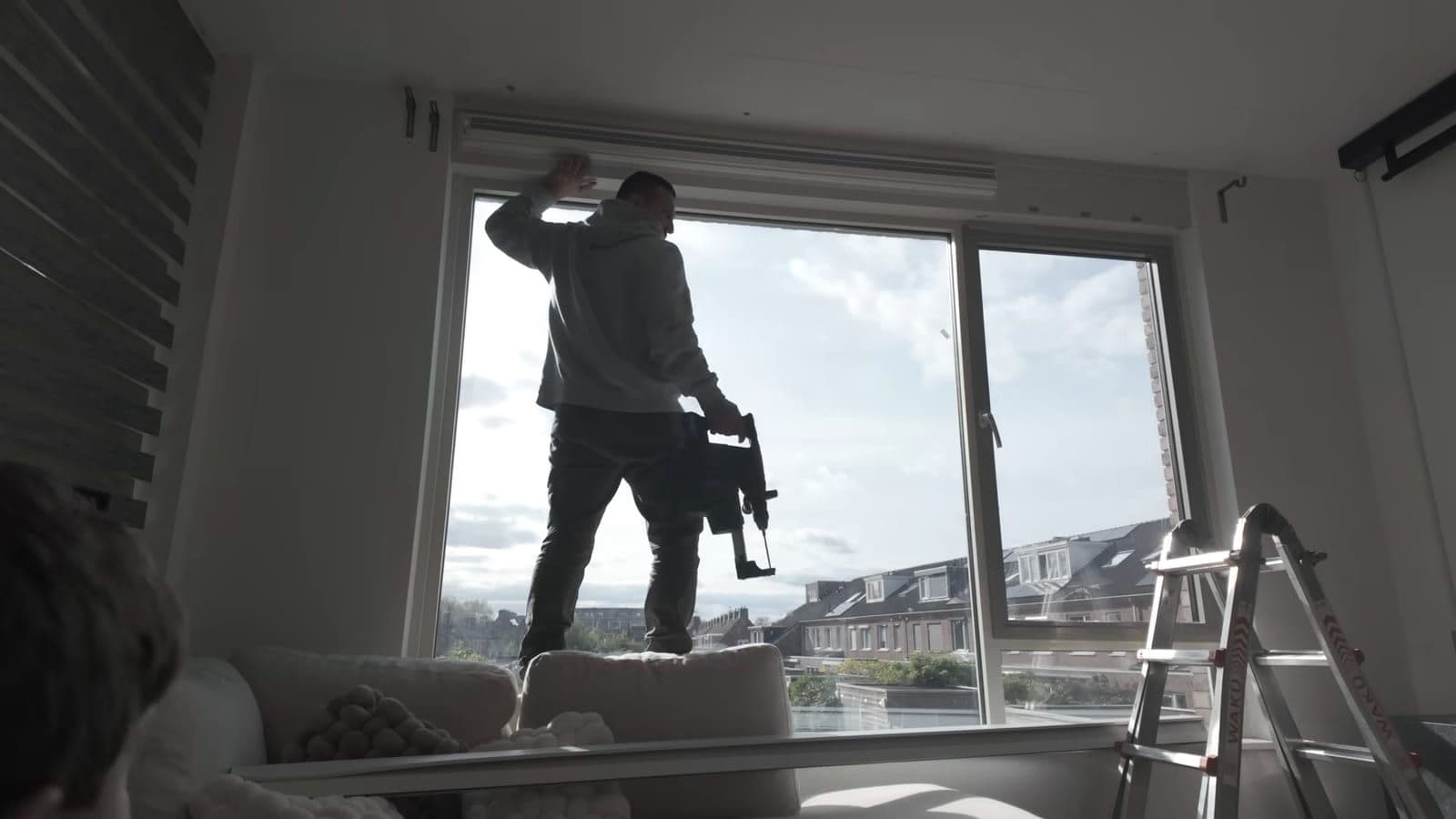
However, there is a design flaw you must know before you lift the blind to the ceiling. As I said in my video, "Learn from my mistake: before you mount it, take a picture of the QR code and save it somewhere."
The Matter pairing QR code is printed on a sticker on top of the motor housing. Once the blind snaps into its ceiling brackets, that sticker is completely hidden against the wall. If you fail to scan the code before clicking the headrail into position, you will have to unclip the entire heavy assembly just to take a photo of the setup digits. Snap a clear photo of the code with your phone while the blinds are still sitting on your table.
Motor noise, battery life, and solar charging
Cheap motorized blinds scream with a high-pitched whine whenever they move. The motor in the SmartWings shades is remarkably quiet. SmartWings rates it under conversational levels, and in my living room, you hear a low, steady mechanical hum. It ramps up gently when starting and decelerates softly into its top and bottom limits rather than slamming against the stops.
Each shade contains an internal rechargeable lithium-ion battery. Based on two full open-and-close cycles daily, SmartWings estimates three to six months of runtime on a full charge. Recharging takes around five hours through a standard USB-C port on the side of the motor.
If your windows are tall or hard to reach, dangling an extension cord twice a year gets annoying. SmartWings sells an optional solar panel accessory that mounts directly to the window glass with adhesive brackets. The panel trickles power into the USB-C port continuously. Functionally, it works as advertised and keeps the battery full. Aesthetically, it is not my favorite accessory. The black solar panel and flat wiring are clearly visible against the glass from outside the house. If visual cleanliness on the exterior facade matters to you, skip the panel and plug in a USB-C battery bank every six months instead.
Remote options and daily automations
SmartWings offers three remote controls: a 5-channel handheld, a 15-channel handheld, and a round wall-mountable Helix dial remote. The round dial remote looks sleek on a side table, but the 15-channel handheld remote is the one worth buying. Each channel controls an individual shade, and channel zero triggers all shades simultaneously.
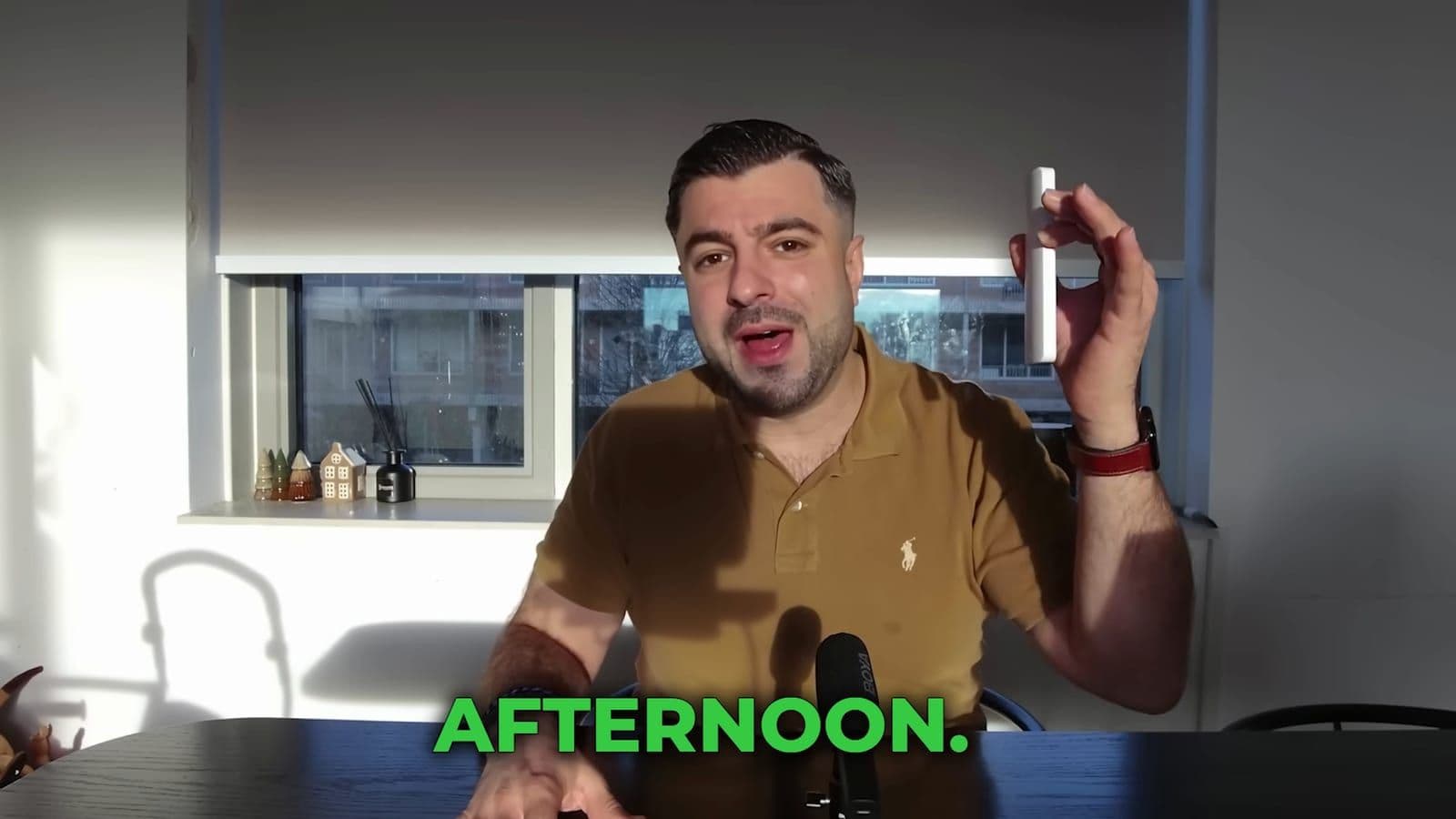
You do not need an app to configure upper and lower travel limits. You hold a button sequence on the handheld remote, set your custom stopping points, and adjust the motor travel speed directly from the controller.
The real joy of smart blinds is removing manual effort entirely. I set up a single routine inside Google Home tied to my living room equipment. When I say "Movie time", the SmartWings blackout shades descend, my motorized projector screen lowers, the room lamps dim to a low red hue, and my projector powers on. It turns daylight into home cinema conditions in twenty seconds without touching a single chain or switch.
There is one downside to keep in mind regarding motorized blinds in general. If the internal battery drains to zero percent or the electronic motor fails, there is no manual pull cord. The shade stays stuck where it sits until you plug in power. Keep your batteries charged so you never get caught with blinds stuck halfway down.
Who should buy SmartWings and who should skip them
SmartWings roller shades hit the sweet spot for smart home enthusiasts who want tailored window coverings without spending thousands on boutique interior contractors.
Who should buy this:
- Homeowners looking for exact custom window measurements without hiring expensive installation companies.
- Smart home users running Matter, Thread, Apple Home, or Home Assistant who want local network control.
- Home cinema fans who want automated blackout coverage paired with daytime sunscreens.
Who should skip this:
- Renters on tight budgets who need cheap, temporary blinds under €100 from hardware stores.
- Anyone who requires a mechanical pull-chain override to operate blinds during power outages.
- Buyers who hate seeing visible solar panels stuck to their exterior window panes.
Frequently asked questions
How loud are SmartWings smart blinds during operation?
The motor runs at a low, muted hum that stays roughly around the volume of a quiet normal conversation. It does not produce high-pitched buzzing and ramps to a gentle stop at limit points without rattling.
Can SmartWings blinds be installed by one person?
Standard single shades can easily be installed by one person in roughly twenty minutes with basic tools. For very wide shades or heavy dual-shade setups, having a second person hold one end while clipping into the brackets makes the process significantly safer.
How long does the SmartWings battery last on a single charge?
The built-in lithium-ion battery lasts approximately three to six months under regular daily usage. Recharging takes about five hours using a standard USB-C cable, or you can attach the optional solar panel for continuous trickle charging.
Do SmartWings shades work locally without an internet connection?
Yes, if you select the Matter over Thread, Zigbee, or Z-Wave motor variants, commands run locally across your home network. Even if your internet provider suffers an outage, scheduled automations and local controls continue to operate properly.
Get new reviews in your inbox
One email when a new review goes up. No spam, unsubscribe with one click.
Comments0
No comments yet. Be the first.